

Your CV is often the first — and sometimes the only — impression you make on an employer. Recruiters spend only a few seconds scanning each application before deciding whether to read further or move on. That means your CV has one job: to make those few seconds count.
Whether you are a fresh graduate applying for your first job or an experienced professional looking for a change, this guide walks you through exactly how to write a CV that gets noticed, gets read, and gets you interviews.
What Is a CV and Why Does It Matter?
A CV (curriculum vitae) is a document that summarizes your education, work experience, skills, and achievements. Think of it as your personal marketing brochure — it should answer one question for the employer: why should we hire you?
A strong CV does three things:
Shows you are qualified for the specific role.
Makes your strengths easy to find in seconds.
Builds trust by presenting you as organized and professional.
A weak CV, on the other hand, gets ignored no matter how talented you are. The good news: learning how to write a CV is a skill anyone can pick up, and this guide covers every step — from the six essential sections to the formatting rules and the mistakes that silently kill applications.
What to Include in a Professional CV
A complete CV has six core sections. Master these six sections and you have mastered the foundation of how to write a CV that recruiters take seriously. Here is what each one should contain.
1. Contact Information
Keep this simple and place it at the top of the page:
• Full name
• Phone number
• Professional email address (use your name, not nicknames)
• City and country (full street address is no longer necessary)
• LinkedIn profile link (if you have one)
Double-check your phone number and email for typos — employers cannot contact you if these are wrong. One wrong digit in a phone number has cost real people real job offers.
2. Professional Summary
This is a short paragraph of 2–4 lines right under your contact details. It should summarize who you are, what you offer, and what you are looking for.
Example: “Detail-oriented marketing graduate with internship experience in social media management and content creation. Skilled in Canva, Meta Ads, and analytics. Seeking an entry-level digital marketing role where I can contribute to brand growth.”
Write this section last, after the rest of your CV is done — it is easier to summarize once everything is in front of you. Keep it specific to the role you want; a vague summary (“hardworking individual seeking challenging opportunities”) tells the reader nothing.
3. Work Experience
List your jobs in reverse order (most recent first). For each role, include:
• Job title
• Company name and location
• Employment dates (month and year)
• 3–5 bullet points describing your responsibilities and achievements
The key word is achievements. Instead of writing “Responsible for handling customers,” write something measurable: “Handled 40+ customer queries daily with a 95% satisfaction rating.” Numbers make your experience real, and they are the first thing a scanning recruiter’s eyes land on.
No work experience yet? Use internships, freelance projects, volunteer work, or university projects. What matters is showing skills in action — a freelance logo design project counts just as much as an office job when you describe the result.
4. Education
Include your most recent qualification first:
• Degree or diploma name
• University or institution
• Graduation year
• Relevant coursework or honors (optional, keep it brief)
If you graduated recently, education can go above work experience. If you have years of experience, move it below — your recent work matters more than a degree from a decade ago.
5. Skills
Add a dedicated skills section with two types of skills:
• Hard skills: job-specific abilities like Excel, Python, graphic design, or accounting.
• Soft skills: transferable qualities like communication, teamwork, and time management.
Only list skills you genuinely have — you may be tested on them in the interview. And whenever possible, mirror the language of the job posting: if the ad says “data visualization,” write “data visualization,” not “making charts.”
6. Optional Sections
Depending on your background, you can add:
• Certifications and courses — if you are targeting remote roles, the right credential can make your CV stand out; see our guide to 5 online certifications for remote jobs that hiring managers actually respect
• Languages spoken
• Portfolio or project links
• Awards and achievements
• References (or simply write “References available on request”)
How to Write a CV With No Experience
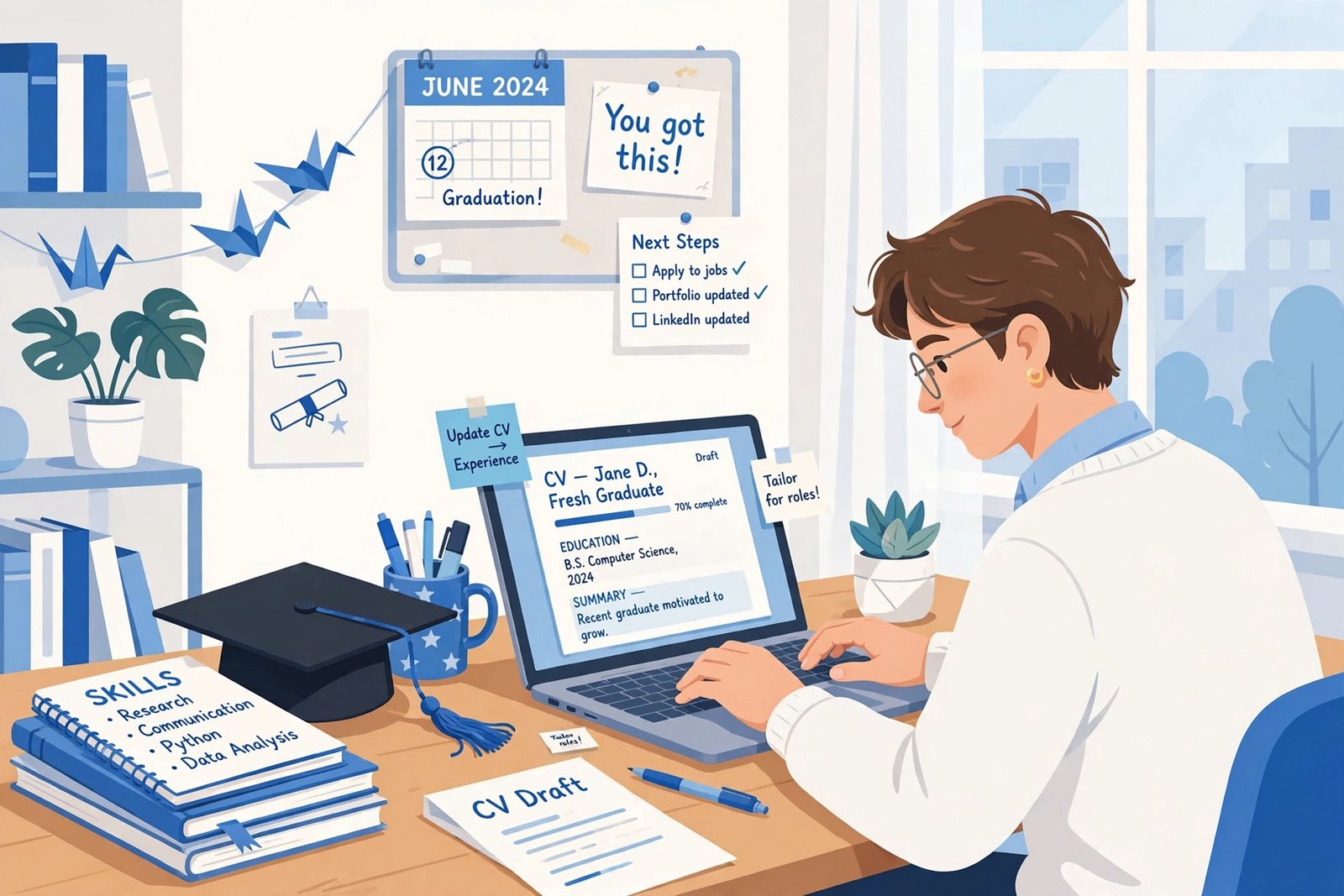
Fresh graduates often stare at a blank page thinking they have nothing to put on it. That is almost never true — you just need to know where to look. If you are learning how to write a CV without a work history, build it around these four pillars:
1. Education first. Move your education section to the top, right under your summary. Include relevant coursework, your final-year project, GPA (only if it is strong), and any academic honors. For a graduate, this is your headline act.
2. Projects beat job titles. A university project where you built a working app, ran a marketing campaign for a student society, or analyzed a real dataset is genuine experience. Describe it like a job: what you did, what tools you used, and what the outcome was.
3. Internships, freelancing, and volunteering count. Even a two-week internship or a weekend of volunteer teaching demonstrates reliability and initiative. List them under a heading like “Experience” rather than “Employment” so the format stays honest.
4. Lead with skills. A well-organized skills section — technical tools, languages, certifications — can carry a graduate CV. Pair each skill with brief proof: “Python — built 3 data-analysis projects” is far stronger than “Python” alone.
The format stays the same; only the emphasis shifts. Employers hiring juniors expect to train you — what they are really screening for is potential, clarity, and effort. A clean, complete CV signals all three.
How to Tailor Your CV for Every Job Application
One of the biggest mistakes job seekers make is sending the same CV everywhere. Recruiters — and their software — are looking for a match with this specific role. Tailoring does not mean rewriting your whole CV; it means adjusting the emphasis. Here is a quick routine that takes about fifteen minutes per application:
1. Read the posting like a checklist. Highlight the 5–8 requirements that appear most often or most prominently. Those are the keywords your CV must contain.
2. Mirror the language. If the posting says “client onboarding” and your CV says “new customer setup,” change it to “client onboarding.” This matters both for human readers and for applicant tracking systems, which match exact terms.
3. Reorder your bullets. Put the most relevant achievement first under each job. The recruiter may only read the first two bullets — make them the ones that match the posting.
4. Adjust your summary. Rewrite those 2–4 lines so they speak directly to the role: mention the job title, the industry, and the one or two strengths the posting emphasizes most.
Keep one “master CV” with everything you have ever done, then create a tailored one-page or two-page version for each application. This is the single highest-leverage habit in how to write a CV that actually gets interviews.
How to Write and Format Your CV the Right Way
Good formatting makes your CV easy to scan. Follow these rules:
• Length: One page if you have less than 5 years of experience; two pages maximum otherwise.
• Font: Use a clean, professional font like Arial, Calibri, or Georgia in size 10–12.
• Margins: Keep comfortable margins (around 2 cm) so the page does not look crowded.
• Headings: Make section headings bold and slightly larger so the structure is obvious.
• Bullet points: Use them for experience and achievements — avoid long paragraphs.
• File format: Always send your CV as a PDF, so it looks the same on every device.
Consistency matters: if you bold one job title, bold them all. Small details signal professionalism, and sloppy formatting is one of the fastest ways to look careless before anyone reads a word.
10 Common CV Mistakes to Avoid
Knowing how to write a CV also means knowing what to avoid. Here are the ten mistakes that silently kill applications:
Spelling and grammar errors — proofread twice, then ask someone else to check. One typo can end your chances.
An unprofessional email address — create a simple one with your name before you apply anywhere.
Including a photo — unless the job specifically asks for one, skip it. It adds bias risk and wastes space.
Listing every job you ever had — only include relevant experience from the last 10 years.
Using clichés — phrases like “hard worker” and “team player” mean nothing without proof. Show, do not tell.
Lying or exaggerating — employers verify, and dishonesty ends the process instantly.
One generic CV for every job — tailor your CV to each role by matching keywords from the job description.
Inconsistent dates and formatting — mixing “Jan 2023” with “01/2023” or switching bullet styles looks sloppy.
Burying your contact details — if the recruiter cannot find your phone number in three seconds, you have a problem.
Forgetting LinkedIn — many recruiters check it. Make sure your profile matches your CV and the link actually works.
How to Write a CV That Beats the ATS (Applicant Tracking Systems)
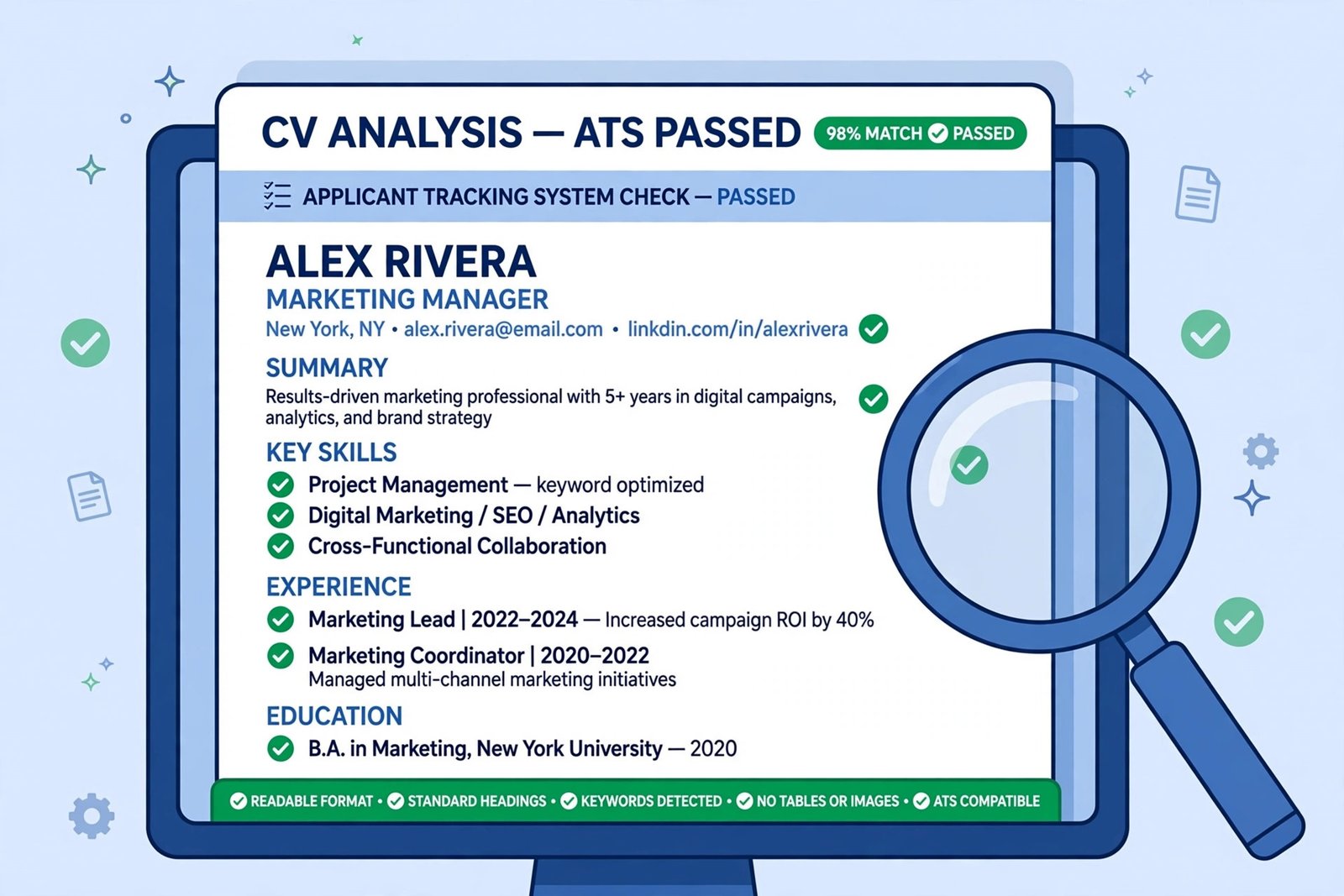
Many companies now use software called an Applicant Tracking System to filter CVs before a human ever sees them. Understanding how to write a CV that survives this filter is no longer optional — it is essential. To pass this digital gatekeeper:
• Use keywords from the job posting naturally in your CV. The system scores relevance by matching terms.
• Avoid fancy templates with tables, graphics, or text boxes — the software often cannot read them, and your experience section may come out blank.
• Use standard section headings like “Work Experience” and “Education” instead of creative alternatives like “My Journey.” The parser looks for standard labels.
• Save as PDF (unless the posting asks for Word), and avoid scanned images of your CV — an image of text is invisible to the system.
• Do not hide keywords in white text or footers. Modern systems detect this, and it reads as dishonest.
A simple, clean layout is not boring — it is the format that actually gets through to a human reader.
40 Power Words to Strengthen Your CV
Weak verbs make strong experience sound ordinary. Swap “did” and “made” for precise action verbs grouped by what you actually accomplished:
Leadership: led, directed, coordinated, supervised, mentored, delegated
Achievement: achieved, exceeded, delivered, launched, generated, won
Improvement: improved, streamlined, optimized, reduced, transformed, redesigned
Analysis: analyzed, evaluated, researched, identified, forecasted, audited
Communication: presented, negotiated, collaborated, advised, trained, wrote
Creation: built, designed, developed, created, established, introduced
Use each verb once — repetition dulls the impact. And always follow the verb with a result: “Redesigned the checkout flow, reducing cart abandonment by 18%.” The verb opens the door; the number walks through it.
CV vs Resume: What’s the Difference?
People often use these words interchangeably, but there is a technical difference. A CV is a complete record of your career and can be two or more pages. A resume is a short, tailored summary — usually one page — focused on a specific job. In most job applications in Pakistan, the UK, and Europe, employers ask for a CV. In the US and Canada, “resume” is the standard term. For practical purposes, the writing principles in this guide apply to both — so whichever word the posting uses, you now know how to write a CV that works.
Frequently Asked Questions
Still have questions about how to write a CV? Here are the answers to the questions job seekers ask most.
How long should my CV be?
One page is ideal if you have under five years of experience. Experienced professionals can use two pages. Never go beyond two pages — recruiters will not read a third.
Should I include my salary expectations on my CV?
No. Salary is discussed during the interview process, not on the CV. Including it early can only hurt your chances.
What if I have gaps in my employment?
Be honest but brief. You can use a functional section to highlight skills gained during the gap (freelancing, courses, family responsibilities). Never leave unexplained gaps of over a year without addressing them.
Do I need a cover letter too?
If the employer asks for one, yes. A short, tailored cover letter explaining why you want this job at this company can set you apart from applicants who skip it.
Can I use a CV template from the internet?
Yes, but choose carefully. Pick a simple template with standard headings and no graphics, tables, or text boxes — fancy designs often fail applicant tracking systems. A clean template saves time; a flashy one costs interviews.
How often should I update my CV?
Update it every time something meaningful changes — a new role, a completed certification, a major project. At minimum, review it twice a year. An outdated CV is how people forget their own best achievements.
Final Thoughts
Writing a great CV is not about fancy design or impressive vocabulary — it is about clarity, relevance, and honesty. Focus on the employer’s needs, back up your claims with real achievements, and keep the layout clean. Do that, and your CV will do its job: getting you into the interview room, where you can shine in person.
Start with a draft today, revise it for every application, and keep it updated as your career grows. Your future self will thank you.